
Published 04.11.2026
Office 2024 or Microsoft 365: which should you choose?
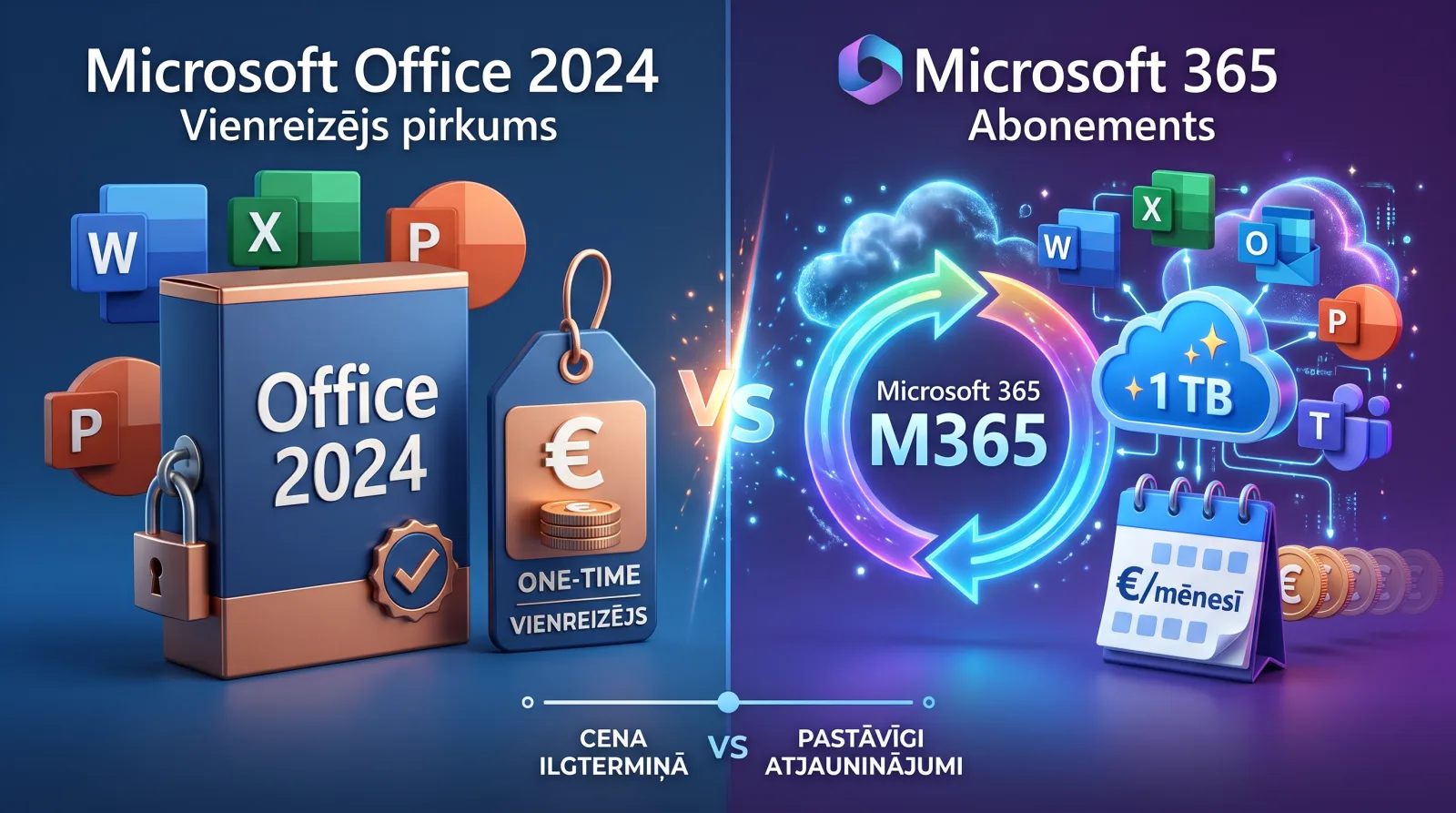
You can get Microsoft Word, Excel and PowerPoint in two ways: as an Office 2024 perpetual licence that you pay for once, or as a Microsoft 365 subscription that you pay for every year. The apps themselves are the same, but everything else differs.
Office 2024: pay once, use for years
- One-off purchase. No monthly or yearly fee.
- One computer. The licence is for one Windows PC or Mac.
- Security updates until 9 October 2029. No new features are added; the apps stay as they were when you bought them.
- No cloud storage. You keep the standard free OneDrive allowance.
Edition differences: Office Home 2024 includes Word, Excel, PowerPoint and OneNote. Home & Business 2024 adds Outlook and the right to use it for work. Office 2024 Pro Plus also includes Outlook and Access.
Microsoft 365: always the latest version
- A subscription for 6 or 12 months.
- Several devices. Sign in on up to 5 devices at once: Windows, Mac, tablet and phone.
- 1 TB of OneDrive cloud storage per user.
- Always the newest features, including Copilot AI tools.
- The Family plan can be shared with up to 6 people. Each gets their own account and 1 TB, but Copilot AI features are only for the subscription owner.
Comparison
- Cost over 5 years: Office 2024 is one payment. Microsoft 365 is 5 yearly payments, so in the long run Office 2024 is usually cheaper.
- Devices: Office 2024 runs on 1 computer. Microsoft 365 runs on 5 devices at once, for each of up to 6 users on the Family plan.
- Cloud: Office 2024 has none. Microsoft 365 has 1 TB per user.
- New features: Office 2024 doesn't get them. Microsoft 365 does.
Who is Office 2024 for?
Office 2024 is the best choice if you use the apps on one computer, don't need cloud storage and don't want to keep track of a yearly payment. Think of a home PC, a student or a small office with a few computers.
Who is Microsoft 365 for?
Microsoft 365 suits you if you work across several devices, keep your files in the cloud or want to share the subscription with your family. With Microsoft 365 Family, the price per person in many families ends up lower than everyone buying their own licence.
What about Office 2021 or 2019?
Office 2019 support ended on 14 October 2025 and Office 2021 support on 13 October 2026. Both still work, but they no longer get security fixes. For a new purchase we recommend Office 2024.
Summary
If you need Office on one computer for several years, choose Office 2024. If you need several devices, the cloud or a family plan, choose Microsoft 365. You'll find both in our Microsoft Office category: your key arrives by email together with activation instructions.